Ease of accessibility
The NCAA website has a very easy accessibility. I was able to type into google “NCAA .” The first option that popped up was NCAA . com– the official website of NCAA championships. I had to scroll down and then saw NCAA.org – the official athletics website. Once I was on the NCAA.org official website, I was able to browse with ease. I did try to access the NCAA.org website on my phone as well, which was also extremely easy. I did not need to subscribe or become a member to view NCAA.org which I was happy about.
Ease of navigation
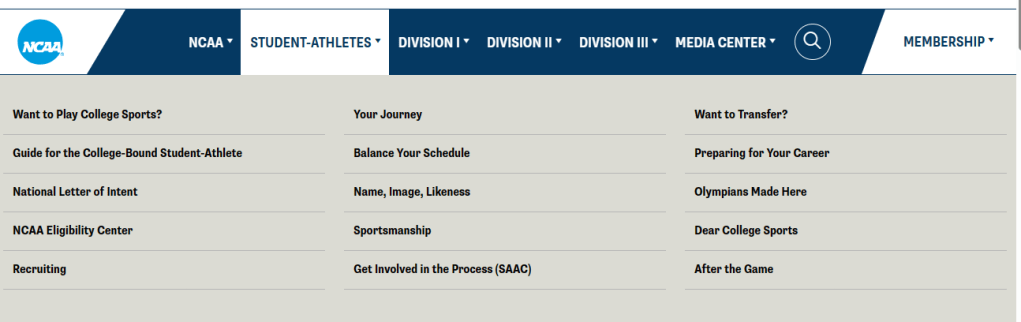
NCAA was very user friendly. This is a site with lots of information when it comes to sports. The main tabs at the top were NCAA, Student-Athletes, Division I, Division II, Division III, Media Center and membership. Visitors could then click on one of the above links and a drop down menu would appear with relevant content for each subtopic. For example for NCAA tab some of the drop down options to choose from was: Want to play college sports?, NCAA eligibility center, Recruiting, A guide for College bound student athletes, Want to Transfer? And several other options. From there, viewers could click on one of those links which would then lead them to move information on the selected topic. The overall home page also had some stories featured, some with pictures, others with just a title. The home page also had a section of the NCAAs priorities: academics, wellbeing, and fairness with some graphics and more information for each. By clicking the priorities section, more articles would pop up with relevant information depending on the selected section. For instance, when clicking on wellbeing there were articles about head injuries, best practices, nutrition, and keeping hearts healthy. At the bottom of the homepage also had some ways to connect with the NCAA via social media and lots of eye-catching graphics of athletes.
Use of Interactivity
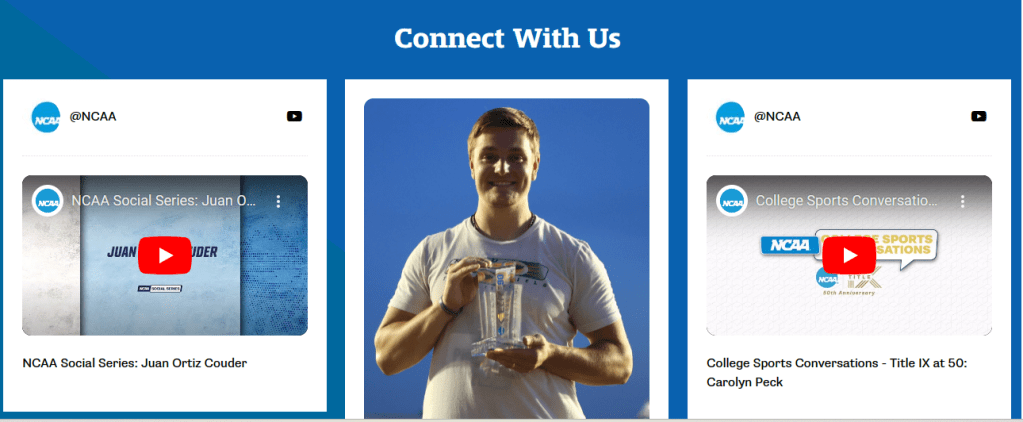
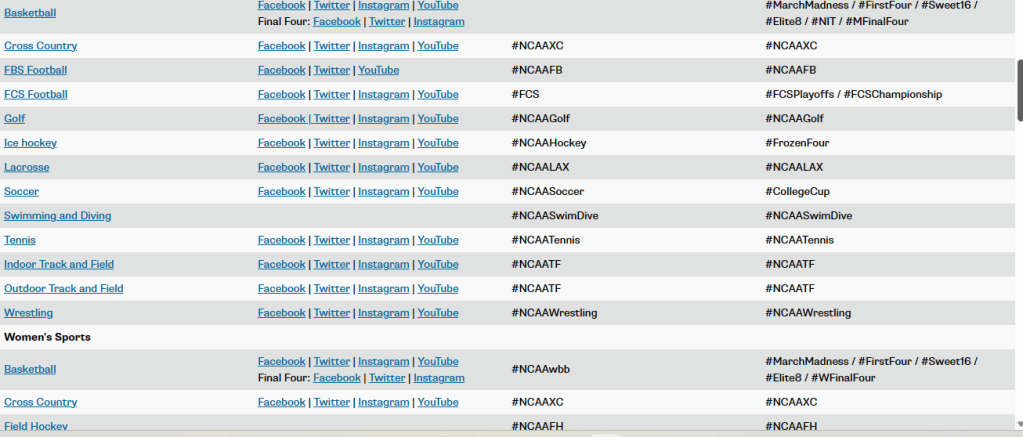
For use of interactivity, The NCAA has a few different options compared to some of the ideas listed here. On the NCAA site, visitors can click on the membership section where they can select a division and get important information for each division. There are scholarships and forms in this section for future student athletes to apply to or forms to use. There is also a whole “Connect with Us” section on the homepage of NCAA with multiple athletics pictures and ways to connect. Some examples include Facebook, YouTube, Instagram, Twitter all with the caption @ncaa. Fans could also follow specific sports and divisions on social media as well. A page with this information was provided on the site.
Use of Video
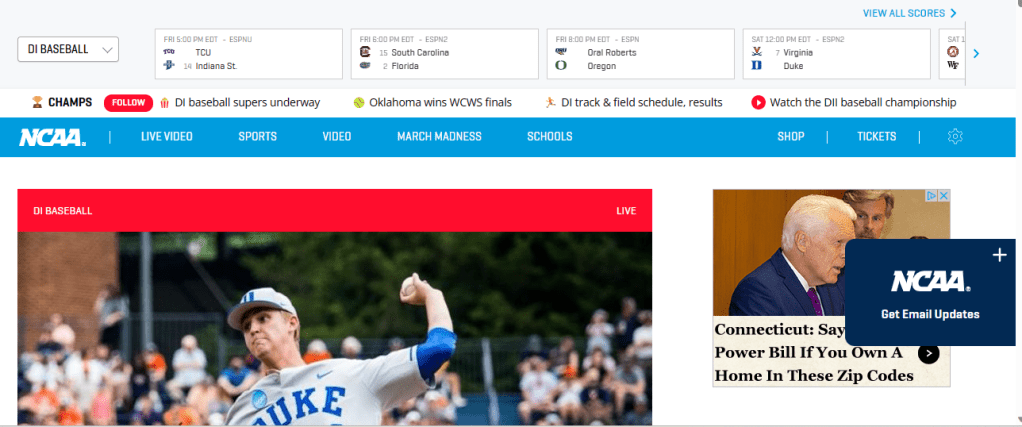
Throughout the NCAA site there are lots of stories, information and pictures. I thought there would be a lot more videos on the ncaa.com site then there was. Videos on NCAA.org seemed to be sprinkled here and there throughout the NCAA site. Under the Media Center tab however, videos could go to ncaa.com which was a whole link/ additional website of the NCAAs. NCAA.com featured the NCAA championships. There were tons of videos linked here. The videos that I did come across on the actual NCAA.org site included two PSAs and a video of the 2015 NCAA Women of the year Kristen (Day) Shute. Videos at times were also included in the “news” section on the site. When users would click a title of a story to read via a link, it then directed viewers to the story which at times included a video and other times pictures or both.
Quality of Content
The quality of content is engaging, informative, and concise. It is easy to read and also interesting. Viewers are able to gain a wealth of information on what they desire when on the NCAA site. The NCAA provides viewers insight into what the NCAA is. The part of the site that I found super helpful was the section/tab for student-athletes. With this section, potential student-athletes can read and gain all the information they need to help them assist in their college search. There are features to search the different divisions, and locations for future potential colleges to attend. There is an Eligibility center information. Under each of the different Division tabs (D1, D2, D3), there are additional links with information. The links to choose from include: home, about, priorities, members, students, academics, championships, committees, compliance, finances, governance, outreach, recruiting, and archived stories. The information displayed in each of these subcategories were highly informative and simply written.
Discussion area of improvement
Some areas of improvement would be to add more videos on the homepage along with catchy titles. I found the NCAA.com (championship) site much more exciting to be on than the NCAA.org official site. The NCAA official athletics page was very informative and driven by written stories. Whereas the NCAA championships site was driven more by videos, and pictures. Therefore, I think more videos need to be added to the official site of NCAA (NCAA.org). Learning and educational content alone drives over a billion views a day on YouTube. According to Wyzowl’s State of Video Marking Survey, 68% of people say they’d like to learn about a new product or service by watching a short video.
Another area for improvement would be at the bottom of the main page where the “connect with us” section was, there were a variety of pictures with the YouTube, Facebook, Instagram, and Twitter symbol. This made it confusing at first to see there were so many ways to connect to NCAA when in fact it was all the same social media ways to connect. Meaning, they had duplicate ways to connect via YouTube, Facebook, Twitter, and Instagram with different pictures.
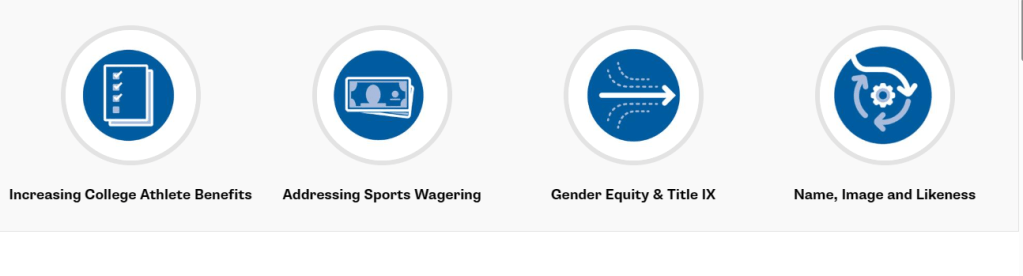
Another area of improvement would be to provide more engaging pictures instead of graphics for the section that had options for users to read about Increasing college, benefits, addressing sports wagering, gender equity & Title IX , name, image and likeness.
Overall:
Overall, I enjoyed my time exploring and learning more about NCAA. As a former college athlete, I wish I had used this site prior to my college search. It would have made my college search on where I wanted to play college soccer much easier! It also would have provided me with insight on what it is like to be a college athlete. I also found this site to be a good site to continue to stay posted on updated news related to college sports. For example, there were a few articles on rules added or changed in certain sports which I found interesting to read. As a coach I also have this site where I can help direct my players that are interested in playing college soccer or other sports. Also, when following the championships or march madness I know to go to the link ncaa.com on the ncaa.org website (or I can go directly to it by typing in ncaa.com.
Food for thought:
- What do you know about the NCAA?
- What are the things that grab your attention most on a website?
- Are you more into reading or watching videos when learning something new? Why?
 Game Changer